
AI travel planner:Your whole trip,
planned in minutes
Tell WayTrio where you want to go and how you like to travel. You get every day planned with attractions, restaurants, hotels and routes on a map, then book it all in one place.

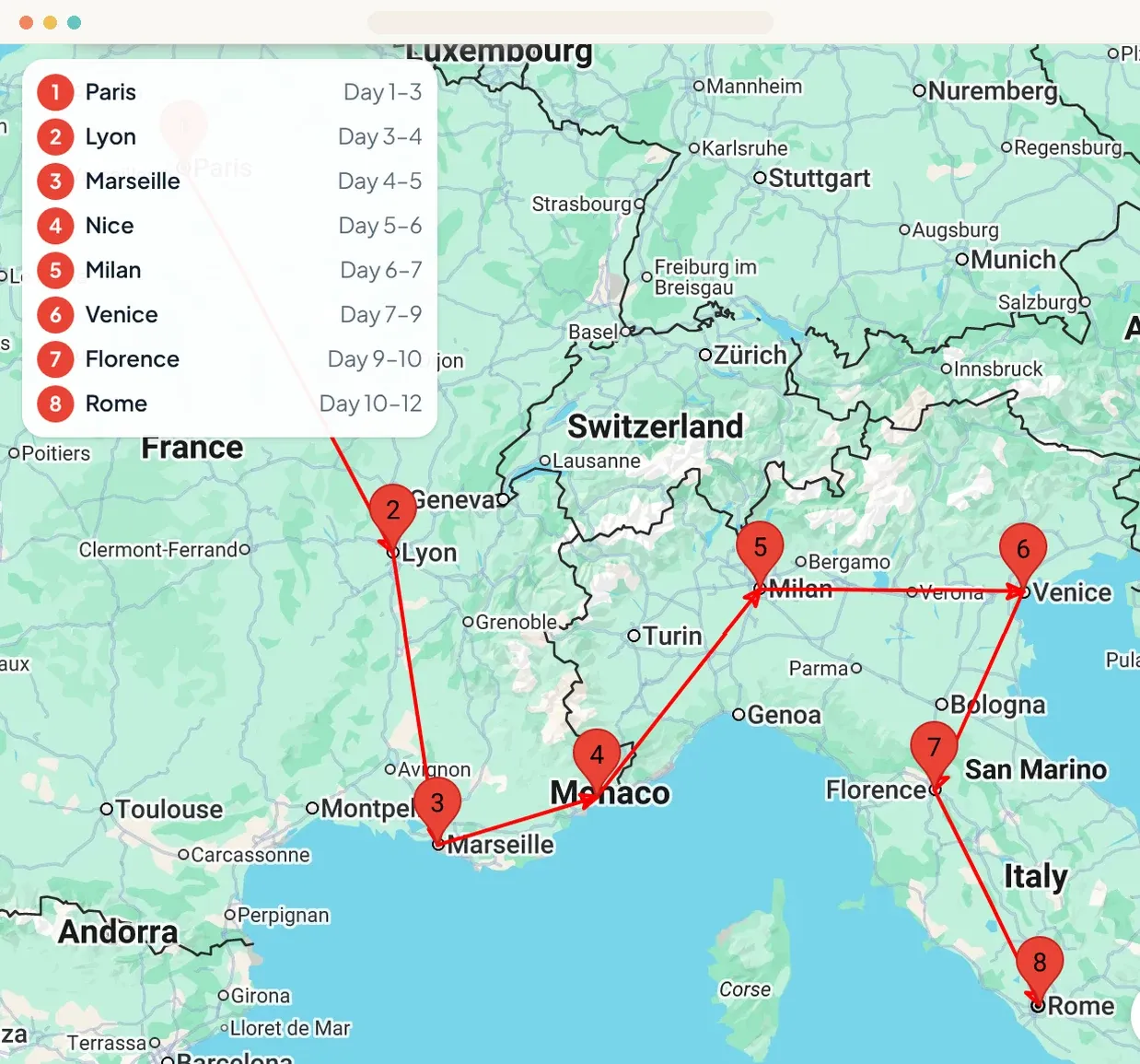
- A few routes to pick fromEach in its own style
- Hotel dealsCompared on Expedia
Book with trusted travel partners


How it works
From idea to itinerary in four steps
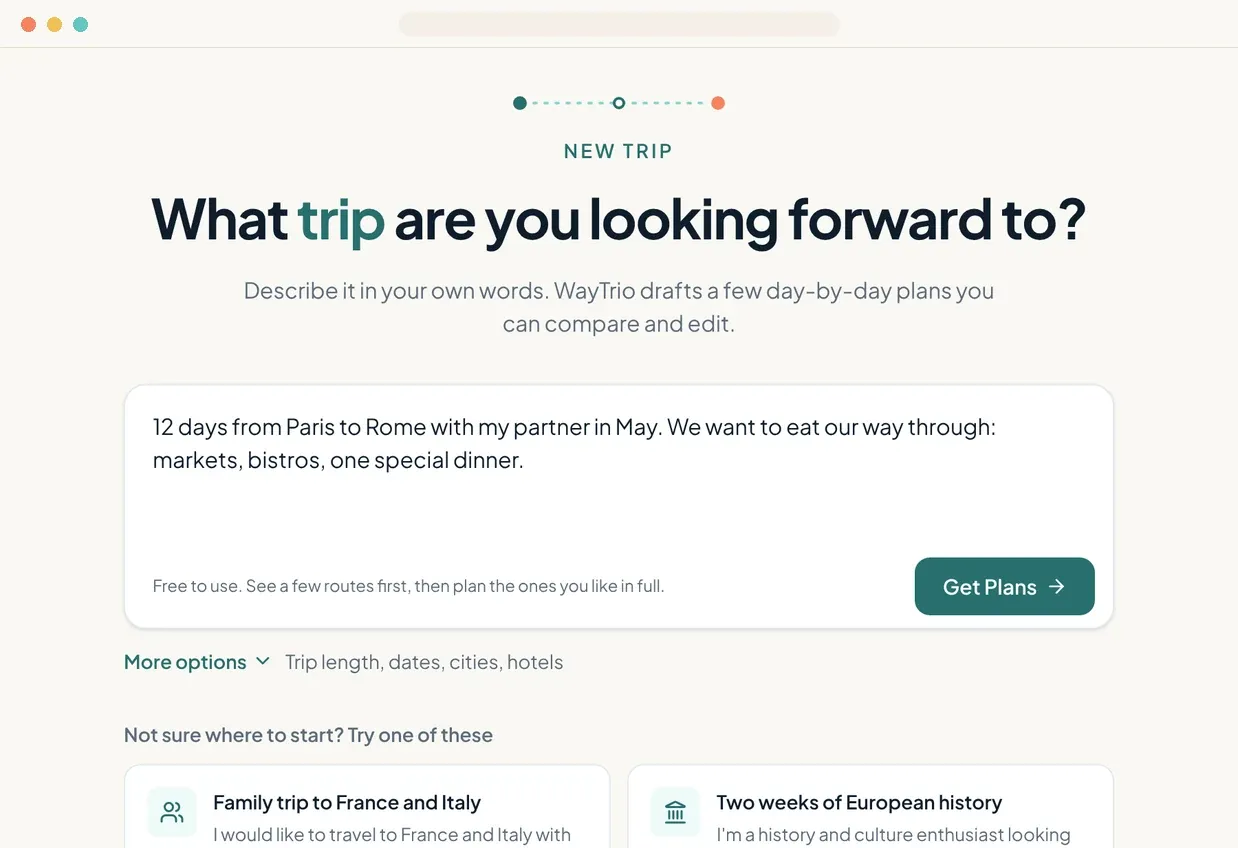
Step 1: Describe your trip
Write a sentence or a paragraph about where, when and who you travel with. Add trip length, dates, start city or hotel rating if you want more control.
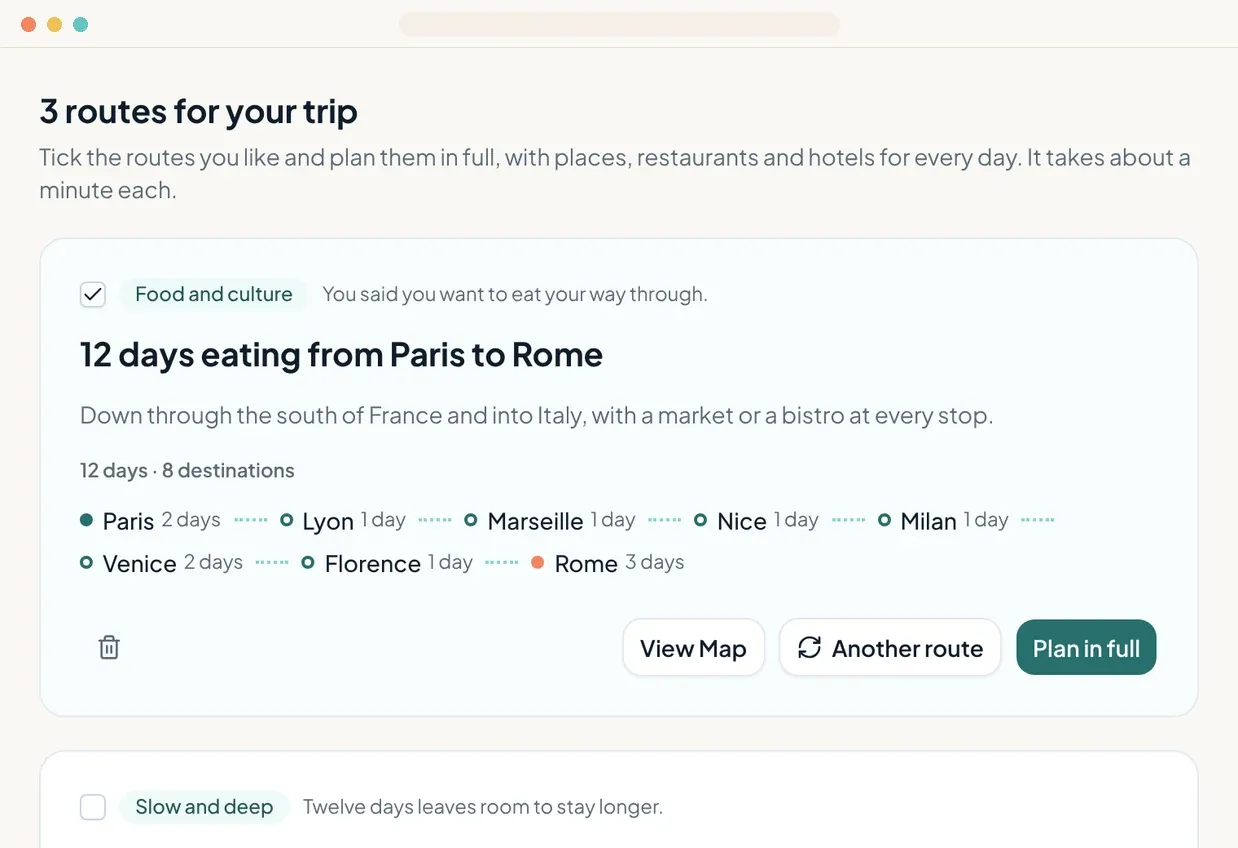
Step 2: Pick a route
WayTrio drafts a few routes in different styles, like food first or slow and deep, and they cost nothing. Plan the ones you like in full, with places, restaurants and hotels for every day. Each takes about a minute.
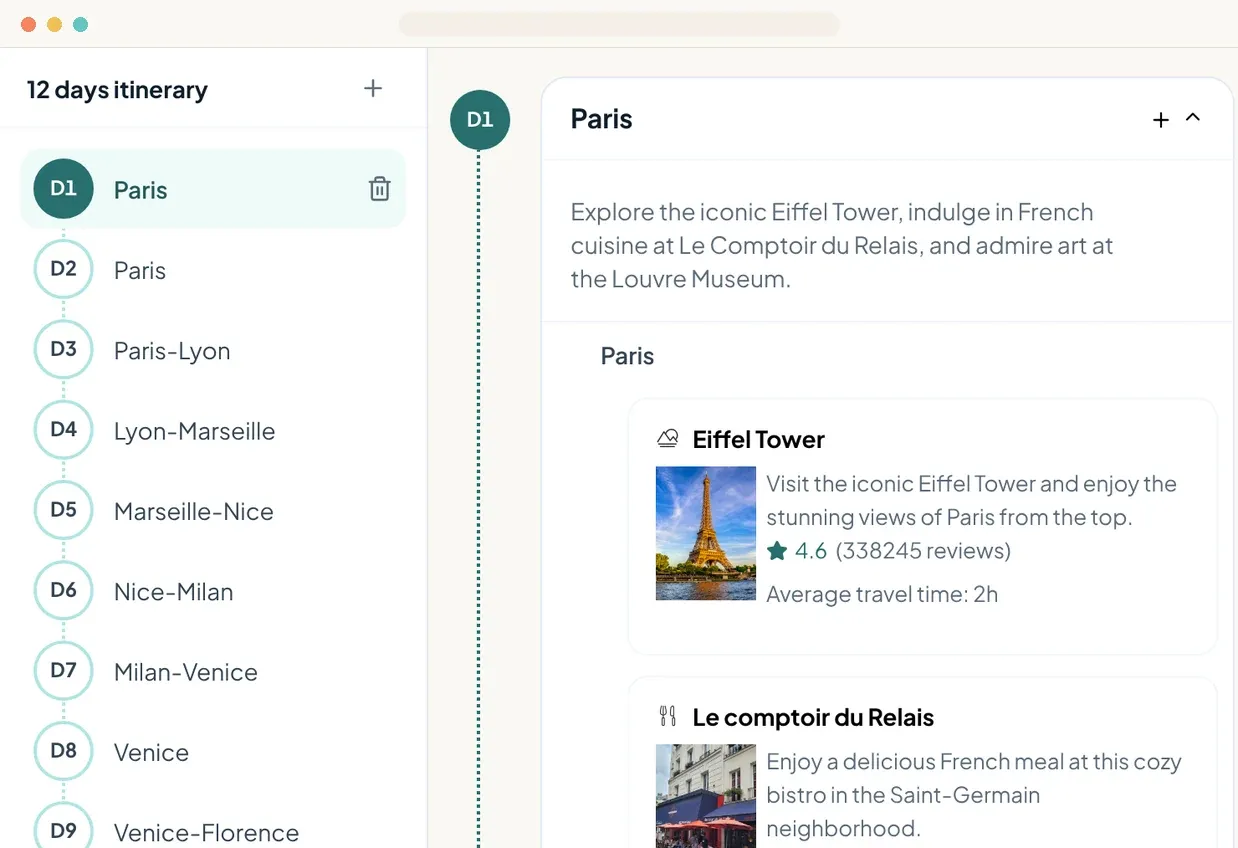
Step 3: Make it yours
Review the plan day by day on an interactive map. Add or remove days, swap places and reorder stops until it fits the way you travel.
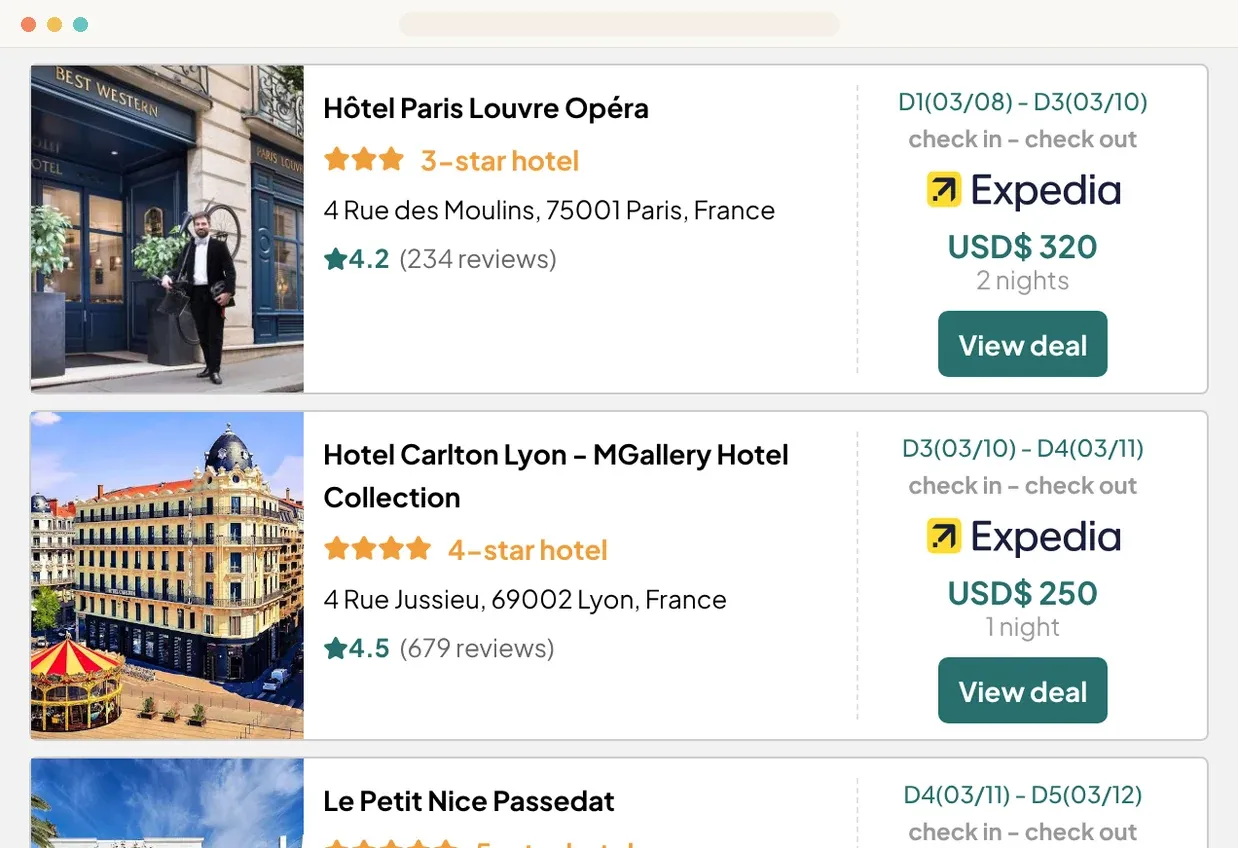
Step 4: Book for great prices
Hotels, flights and activities are matched to your plan with prices from partners like Expedia and Klook, so you can book without leaving the itinerary.
Compare a few routes for free.
Plan the one you like in full,
every day and every stop,
in about a minute.
An AI trip planner with everything in one place
No more juggling notes, maps and booking sites. The plan, the route and the bookings live together.
A full plan from one sentence
Write what you want in your own words. There is no form to fill in before you see a plan.
Every route on a map
See each stop and the way between them, so a long transfer shows up before you book.
Changes in a few clicks
Add days, swap places and reorder stops. Every change is saved to your account.
Stays, flights and tours
Hotels, flights and activities are matched to each day, with prices to compare before you book.
One plan for the whole group
Send a link and everyone sees the same plan. Viewing needs no account.
Ready on your phone
Open the itinerary on the road and see where the next stop is.
Where to next?
Pick an idea to start from, then make it your own.
Browse all itinerariesExample itinerary
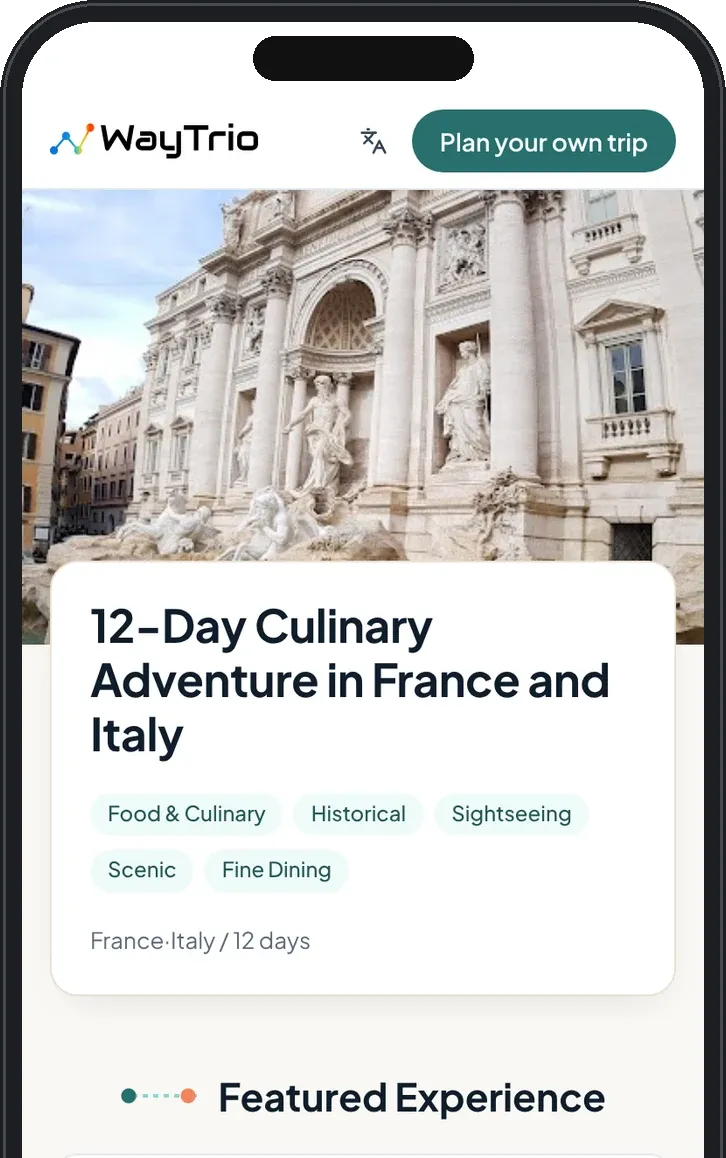
One plan with everything in it
Attractions, restaurants, hotels and route maps sit together in a single itinerary, so the next stop is one tap away when you are on the road.
- A schedule for every day, with notes on each stop
- Places grouped by city and shown on the map
- Opens on any phone from a share link
Questions, answered
Something else on your mind? Ask us on the Support page
- Is WayTrio free?
- Your first trip is. Route ideas are free, and new accounts get 300 credits, enough to plan about 7 routes in full. After that, credits start at $7.90 for 1,000, with bonus credits on bigger packs, and credits never expire. Viewing and sharing your plans is always free.
- How does WayTrio's AI build my itinerary?
- WayTrio uses AI to turn your description into a plan for every day, then fills it with real attractions, restaurants and hotels and draws the route on a map.
- Can I change the plan after it is generated?
- Yes. You can add or remove days, swap places and reorder stops. Your changes are saved to your account.
- Can I plan a trip across several cities or countries?
- Yes. Describe the whole route, like Paris to Milan over twelve days, and WayTrio splits it into cities and days and draws the route between them.
- Can WayTrio plan a family trip or a trip with older parents?
- Yes. Say who is coming, like two kids under ten or parents who prefer a slow pace, and WayTrio takes it into account when it picks the places and the pace of each day.
- Can I share my itinerary with friends or family?
- Yes. Every plan has a share link. Anyone with the link can open it on a phone or computer without signing up.
- Does WayTrio work on my phone?
- Yes. WayTrio runs in the browser, so your plans and maps open on any phone, tablet or computer.
- Is WayTrio available in Chinese?
- Yes. WayTrio works in English and Simplified Chinese. Pick your language from the account menu and your plans are written in it.
- Do I need an account?
- You need to sign in with your email or Google account to create a plan. Anyone you share a plan with can view it without an account.
- How do I get help?
- Visit the Support page or email us and we will get back to you.
Ready to plan your next trip?
Describe it in a sentence and compare a few routes for free. No card needed.